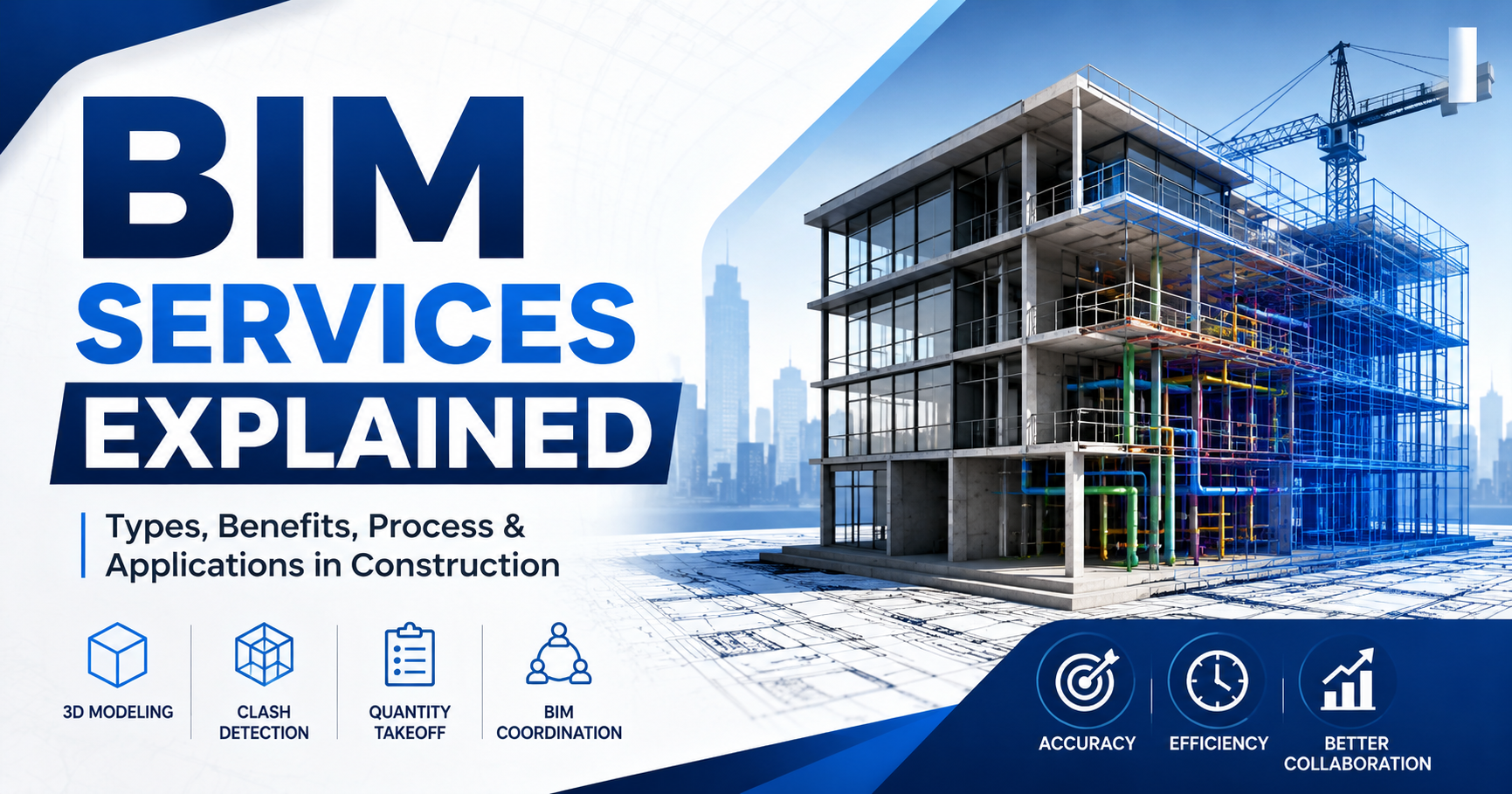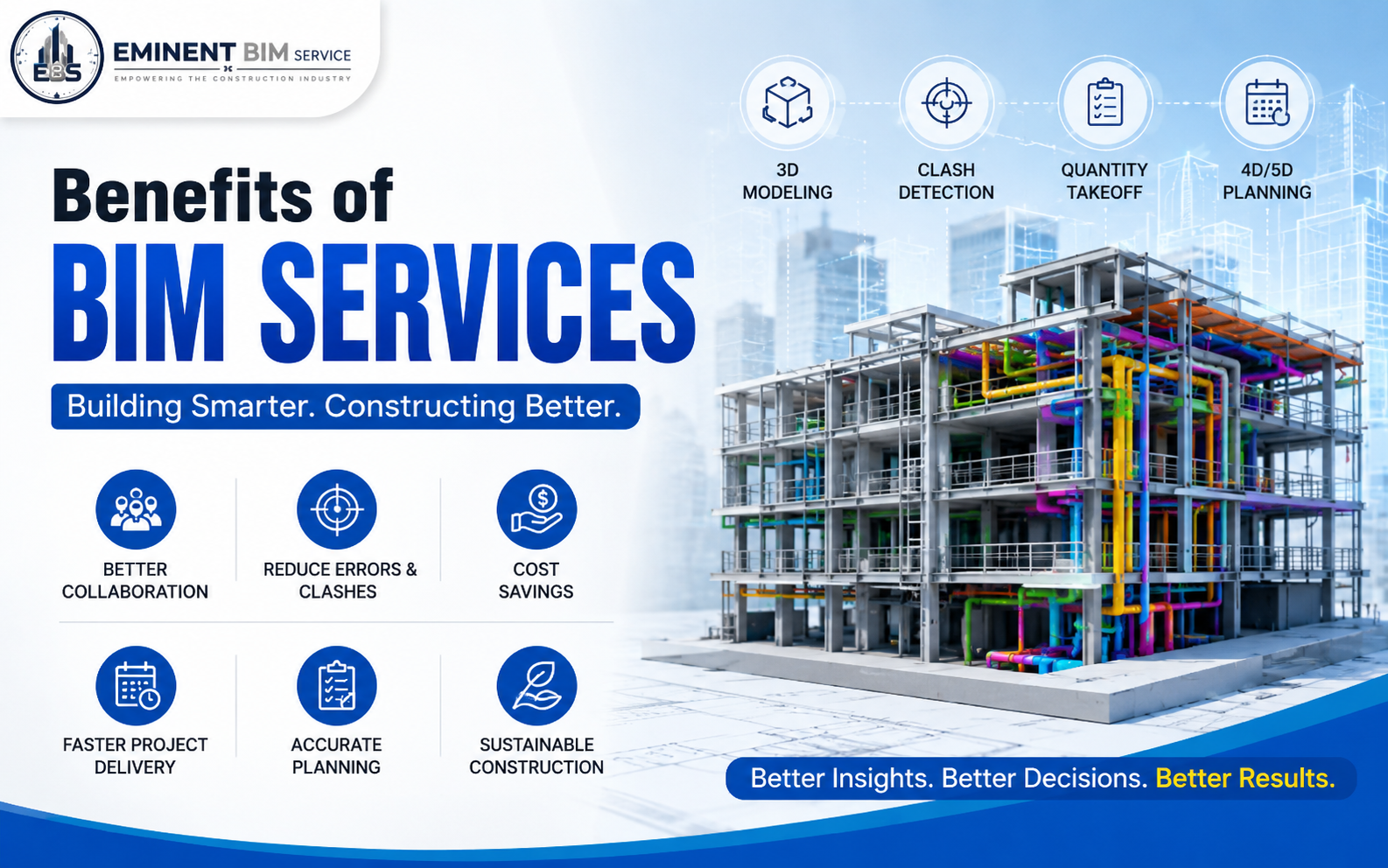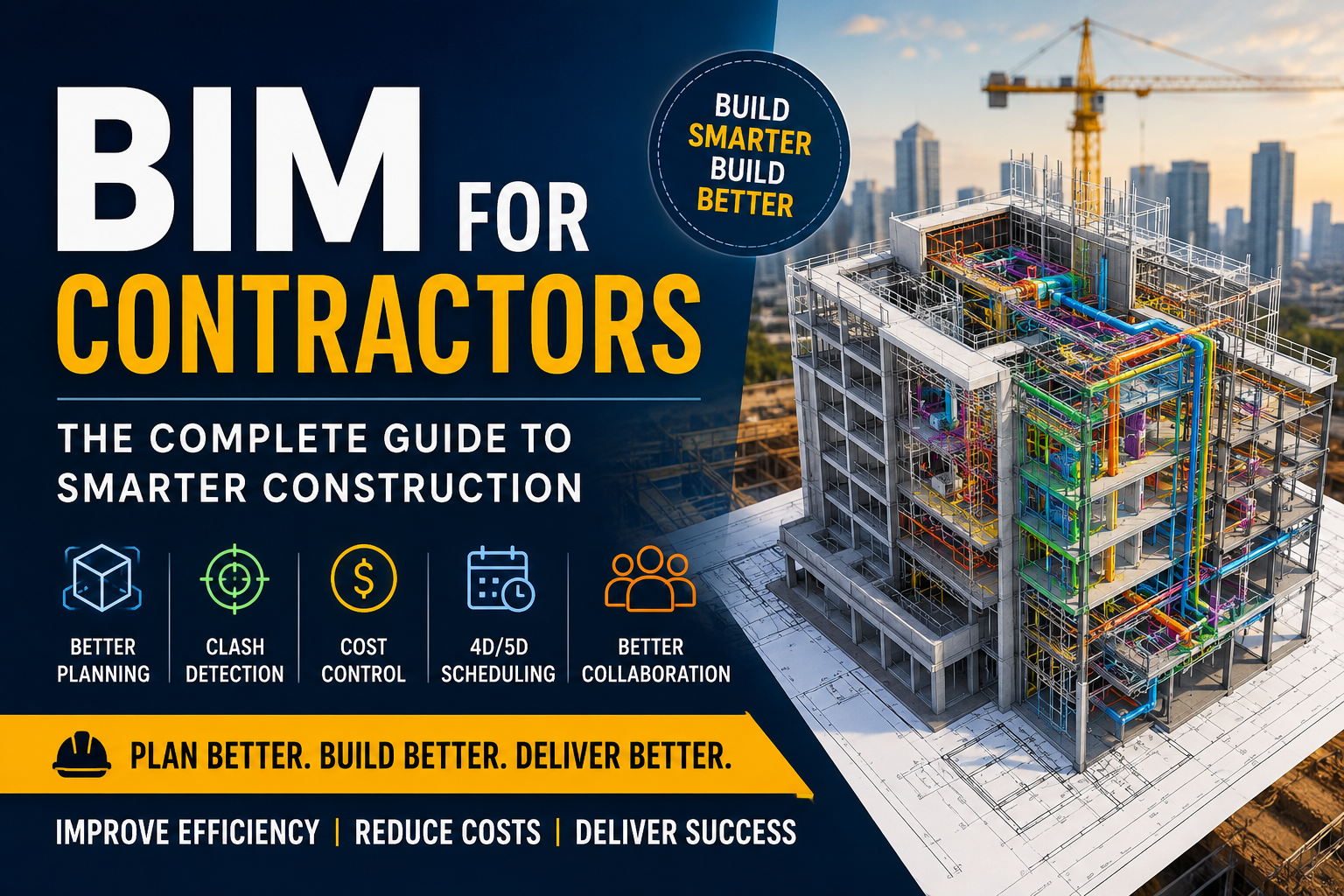
BIM for Contractors: Benefits, Process & Best Practices Guide.
Discover how BIM for contractors improves project planning, collaboration, cost control, and construction efficiency. Learn benefits, workflows, and best practices.
Construction projects today are more complex than ever. Tight schedules, rising material costs, labor shortages, and coordination challenges leave little room for error. Even a small design conflict can delay work, increase expenses, and impact client satisfaction.
This is where BIM for Contractors has become a game-changing solution.
Building Information Modeling (BIM) is much more than creating 3D models. It is a collaborative process that connects architects, engineers, contractors, owners, and project managers using intelligent digital models. Contractors gain better visibility into every phase of construction before breaking ground, reducing uncertainty and improving decision-making.
Whether you're managing residential buildings, commercial developments, industrial facilities, or infrastructure projects, BIM enables teams to build with greater confidence while minimizing costly mistakes.
Table of Contents
1.What is BIM for Contractors?
2.Why Contractors Need BIM
3.Key Benefits of BIM
4.How BIM Works During Construction
5.Types of BIM Services
6.BIM Workflow
7.Real-World Example
8.Common Mistakes
9.Best Practices
10.Future of BIM
11.Frequently Asked Questions
12.Final Thoughts
13.What is BIM for Contractors?
Building Information Modeling (BIM) is a digital representation of a building's physical and functional characteristics. Instead of relying solely on traditional 2D drawings, contractors work with intelligent 3D models that contain detailed information about every building component.
These models include:
1.Architectural elements
2.Structural systems
3.Mechanical (HVAC)
4.Electrical systems
5.Plumbing layouts
6.Material specifications
7.Quantities
8.Scheduling information
9.Cost data
This centralized model ensures every stakeholder works from the same source of truth, significantly reducing communication gaps and coordination issues.
1.Why Contractors Need BIM
Traditional construction methods often involve separate drawings prepared by different disciplines. When these drawings don't align, problems emerge on-site, leading to:
Costly rework
Material waste
Schedule delays
Budget overruns
RFIs
Change orders
BIM helps contractors detect these issues virtually before construction begins.
Instead of solving problems in the field, teams solve them in the model.
Key Benefits of BIM for Contractors
1. Better Project Planning
BIM provides accurate visualization before construction starts. Contractors understand project sequencing, logistics, and site conditions more effectively.
Benefits
Improved scheduling
Better resource allocation
Enhanced site planning
Fewer surprises
2. Clash Detection
One of BIM's biggest advantages is automated clash detection.
It identifies conflicts such as:
Pipe intersecting beams
HVAC ducts conflicting with electrical trays
Structural members blocking plumbing
Resolving these issues during design saves substantial time and money during construction.
3. Improved Cost Estimation (5D BIM)
Accurate quantity takeoffs generated directly from BIM models help contractors prepare more reliable estimates.
Advantages include:
Faster bidding
Accurate BOQs
Reduced material waste
Better procurement planning
4. Construction Scheduling (4D BIM)
4D BIM links project schedules with 3D models.
Contractors can visualize:
Construction sequence
Equipment movement
Material delivery
Workforce planning
Site logistics
This leads to fewer delays and improved productivity.
5. Enhanced Collaboration
BIM creates a shared digital environment where architects, engineers, consultants, subcontractors, and contractors work together.
Benefits include:
•Better communication
•Reduced misunderstandings
•Faster approvals
•Improved project transparency
•BIM Workflow for Contractors
A typical BIM workflow includes:
Step 1: Design Modeling
Architectural, structural, and MEP models are created.
Step 2: Coordination
Models are combined into a federated BIM model.
Step 3: Clash Detection
Software identifies design conflicts.
Step 4: Model Review
Teams resolve clashes before construction.
Step 5: Quantity Takeoff
Materials and quantities are extracted automatically.
Step 6: Construction Planning
Schedules and sequencing are linked with BIM.
Step 7: Site Execution
Construction follows coordinated BIM models.
Step 8: As-Built Model
The final BIM model is updated to reflect completed construction for facility management.
Comparison:
•Traditional Construction vs BIM Traditional Method BIM-Based Construction
•2D Drawings Intelligent 3D Models
•Manual Coordination Automated Coordination
•Frequent Rework Minimal Rework
•Manual Quantity Takeoff Automated Quantity Extraction
•Limited Visualization Complete Project Visualization
•Higher Risk Reduced Risk
•Slower Decision-Making Faster •Decision-Making
•Common Mistakes Contractors Should Avoid
Waiting until construction begins to coordinate models.
•Using outdated BIM files.
•Ignoring clash detection reports.
•Lack of collaboration between project teams.
•Inadequate BIM execution planning.
•Insufficient staff training.
Best Practices
•Develop a BIM Execution Plan (BEP).
•Establish clear modeling standards.
•Conduct regular coordination meetings.
•Perform clash detection before construction.
•Maintain updated models throughout the project lifecycle.
•Integrate BIM with scheduling and cost management tools.
Frequently Asked Questions
1.What is BIM for contractors?
BIM for contractors is the use of intelligent digital building models to improve planning, coordination, scheduling, cost estimation, and construction execution.
2.Does BIM reduce construction costs?
Yes. BIM minimizes design conflicts, reduces rework, improves material estimation, and enhances project planning, leading to significant cost savings.
3.Is BIM only for large projects?
No. BIM benefits projects of all sizes, from residential buildings to large commercial and infrastructure developments.
4.What software is commonly used for BIM?
Popular BIM tools include Autodesk Revit, Navisworks, BIM 360, Autodesk Construction Cloud, Tekla Structures, and Bentley OpenBuildings.
As construction projects become increasingly complex, contractors need smarter ways to manage risk, improve collaboration, and deliver projects on time and within budget. BIM has evolved from a competitive advantage into an industry necessity.
By adopting BIM workflows, contractors can reduce errors, streamline communication, optimize resources, and achieve better project outcomes. Whether you're handling residential developments, commercial buildings, or large-scale infrastructure, investing in BIM today positions your business for long-term success in an increasingly digital construction landscape.
Looking to implement BIM on your next construction project?
Eminent BIM Services offers end-to-end BIM solutions, including Architectural BIM, Structural BIM, MEP BIM, Clash Detection, Scan to BIM, Shop Drawings, and LOD 100–500 modeling. Contact our team today to discover how BIM can help you reduce project risks, improve coordination, and deliver exceptional results.