As-Built Modeling Services
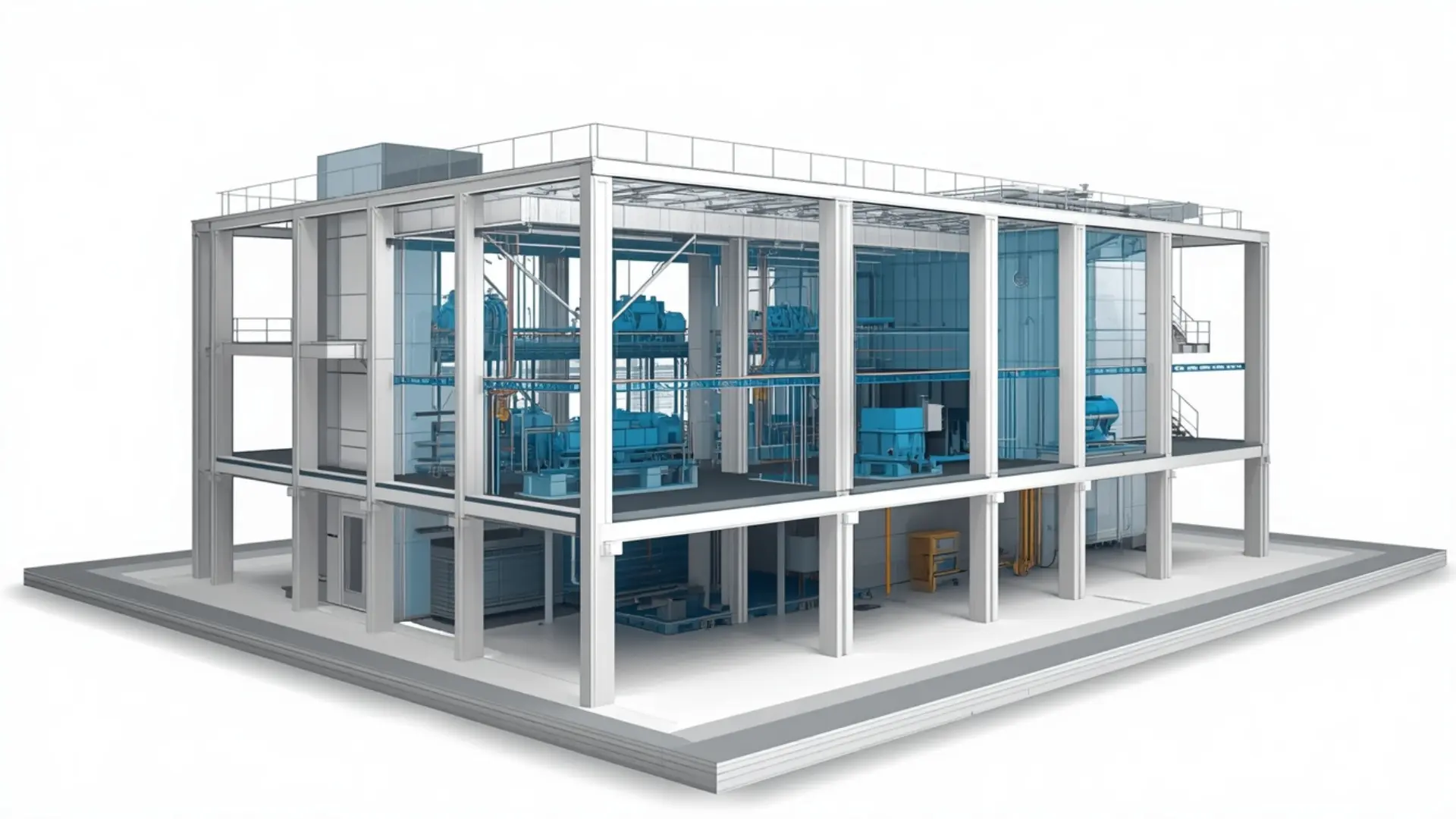
Professional As-Built Modeling Services to create accurate BIM models from existing building conditions, construction documents, point cloud data, and site surveys.
About This Service
As-Built Modeling Services
When a project moves into renovation, retrofit, fit-out, or facility management, the question is always the same: does anyone have an accurate record of what was actually built? Drawings get revised during construction, site conditions shift, and the as-designed model rarely matches what ended up in the walls. Our as-built modeling services exist to close that gap. We take the available field information-redline markups, site photographs, point cloud data, O&M documents-and produce a Revit model that reflects installed conditions as accurately as the source data allows. The result is a reliable base for the next phase of work, whether that's a major renovation, a systems upgrade, or building handover.
What Is As-Built Modeling?
As-built modeling is the process of creating or updating a BIM model to reflect what was physically constructed, rather than what was originally designed. On most projects, there's a gap between the two. Walls shift slightly during construction. Mechanical routes get rerouted on site. Structural penetrations get added. The design drawings capture intent; the as-built model captures reality.
A practical example: a client taking over a hospital wing for refurbishment comes to us with marked-up construction drawings and a folder of site photos. The original CAD drawings are eight years old and show the pre-renovation layout. We build the as-built Revit model from the current field information, and the design team uses it to plan new MEP routes without spending days measuring on site.
Our As-Built Modeling Scope
Architectural As-Built Modeling
We model walls, partitions, doors, windows, ceilings, floors, stairs, and finishes to reflect current building conditions. Room data sheets and finish schedules with site-verified updates are incorporated into the model and associated schedules.
Structural As-Built Modeling
Columns, beams, slabs, load-bearing walls, foundations (where visible or documented), and any structural modifications made during or after construction. Where information is incomplete, we flag it rather than assume.
MEP As-Built Modeling
HVAC ductwork, pipework, cable trays, conduits, plumbing, drainage, and fire protection as installed. Hidden elements above sealed ceilings or inside chases can only be modeled if they appear in redlines or scan data. We are clear about what is modeled and what is inferred.
As-Built Modeling from Point Cloud Data
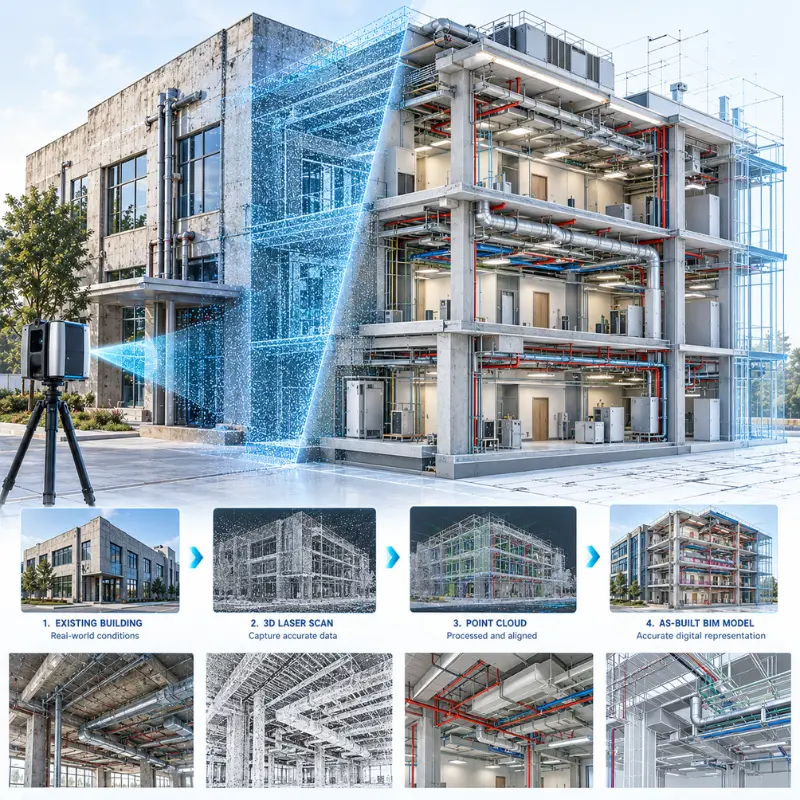
Where a laser scan has been carried out, we work from the registered point cloud to build the as-built BIM model. We check coverage and density before starting, identify gaps, and flag areas where the model is based on limited information. This scan to as-built BIM approach gives the most accurate existing conditions model when the scan is complete and well-registered.
What We Deliver
- As-built Revit model (.rvt) built to the client's template or our standard setup
- Floor plans, sections, and elevations reflecting installed conditions
- Room, door, window, and finish schedules (architectural)
- MEP as-built drawings showing installed routes and equipment locations
- COBie data or asset schedules, if required for handover
- DWG and PDF exports of all issued drawings
Our Workflow
- Review source information: We go through all available material-redlines, markups, photos, scan data, O&M documents, existing CAD or BIM files-and note what's clear, what's partial, and what's missing.
- Scope and accuracy agreement: We confirm which disciplines are in scope, the required LOD, and any areas where information is limited. Elements that can't be modeled reliably are agreed in advance as omitted, flagged, or approximate.
- BIM setup: We configure the Revit file to the client's template, set survey and project base points, and establish levels, grids, and worksets.
- Model development: We build the as-built model from confirmed source information, discipline by discipline. Where scan data is provided, we reference the point cloud directly in Revit using ReCap.
- Internal quality check: We verify the model against source material-dimensions, room names, MEP routes, drawing consistency, and schedule accuracy-before anything goes to the client.
- Client review and revisions: We issue for review, incorporate comments, and update with any additional site information provided at this stage.
- Final delivery: Deliverables are issued in the agreed formats, with a record of what each element is based on.
Level of Development (LOD)
Software We Use
- Autodesk Revit - primary modeling environment for all as-built BIM work
- Autodesk ReCap - point cloud review and referencing scan data into Revit
- AutoCAD - working with existing CAD drawings and producing DWG deliverables
- Navisworks - federating multi-discipline as-built models and spatial review
- Autodesk Construction Cloud - file sharing, model collaboration, and issue tracking
Why Clients Use This Service
Projects We Support
- Renovation and refurbishment - offices, hotels, retail spaces, and residential buildings being reconfigured. The as-built model gives designers an accurate base rather than relying on outdated drawings or field measurements.
- Healthcare and education - hospitals, clinics, universities, and schools that have been modified multiple times. Accurate as-built documentation is particularly important where works are carried out in occupied buildings.
- Industrial and commercial - warehouses, data centres, and manufacturing facilities where existing MEP systems are complex and need to be understood before new plant is introduced.
- Retrofit and sustainability upgrades - projects targeting energy performance improvements where the design team needs existing conditions to model new systems and calculate performance accurately.
Why Work With Eminent BIM Services?
Start Your As-Built Modeling Project
Software Used
FAQ
Let's Deliver BIM the Right Way
Partner with our clash-free coordination and Revit modeling experts to keep your project on time, on budget, and fully coordinated.
Get Free Consultation See Our Work