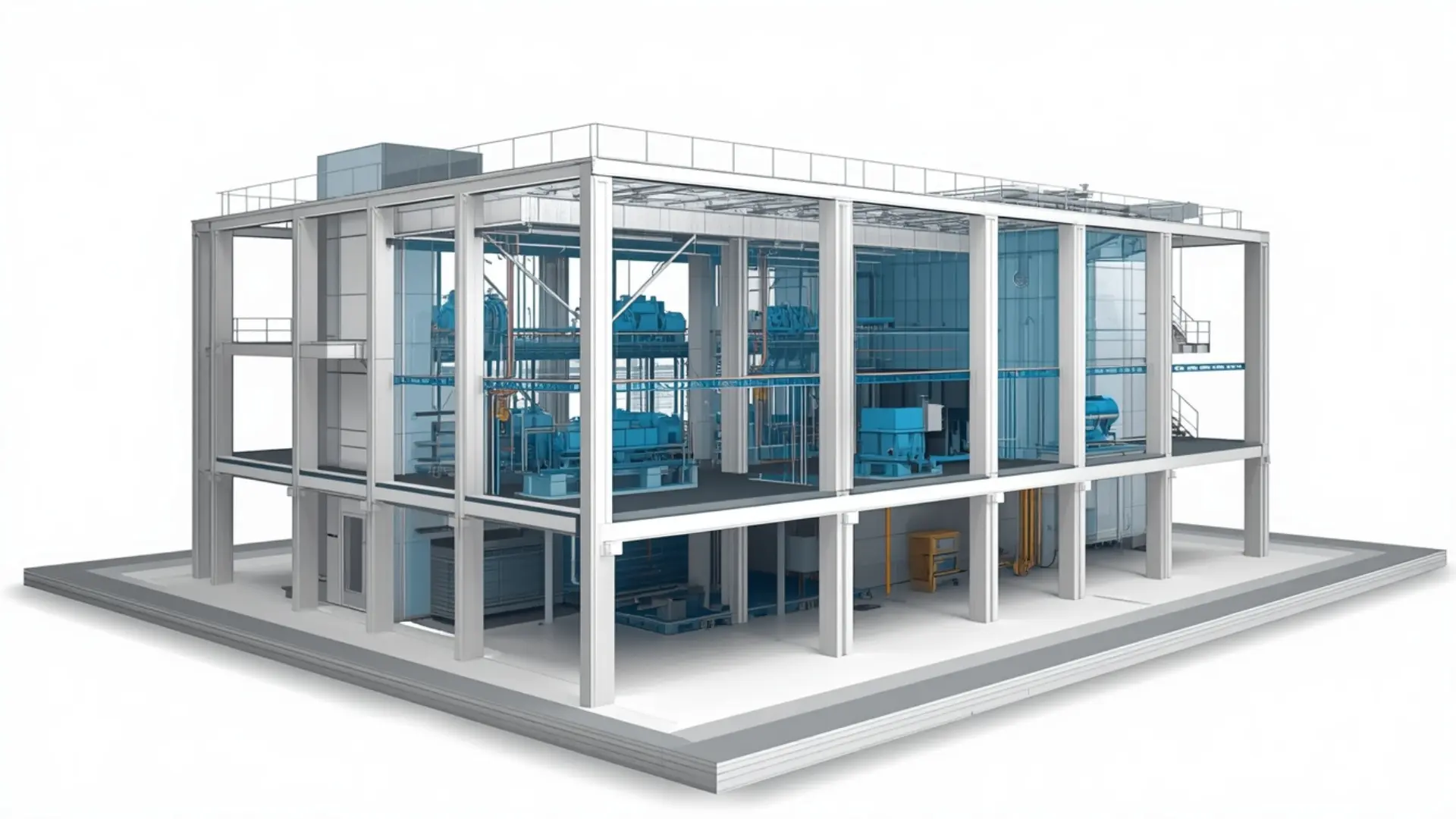
Revit Family Creation Services
Custom Revit Family Creation Services for architectural, structural, MEP, and manufacturer-specific BIM components with high accuracy and parametric functionality.
About This Service
Revit Family Creation Services
Every Revit model depends on its families. Doors, windows, structural connections, MEP equipment, furniture, fixtures, custom architectural components if the family is poorly built, the problems show up in schedules that don't report correctly, views that look wrong, and parameters that break when someone changes a type. At Eminent BIM Services, Revit family creation is a dedicated service. We build families from scratch, modify existing ones, convert manufacturer data into usable Revit content, and develop family libraries for firms and product manufacturers who need consistent, reusable BIM content across projects.
The work covers all disciplines architectural, structural, MEP, furniture, generic models and handles everything from simple fixed-geometry components to fully parametric families with nested geometry, shared parameters, type catalogues, and connector data.
What Is Revit Family Creation?
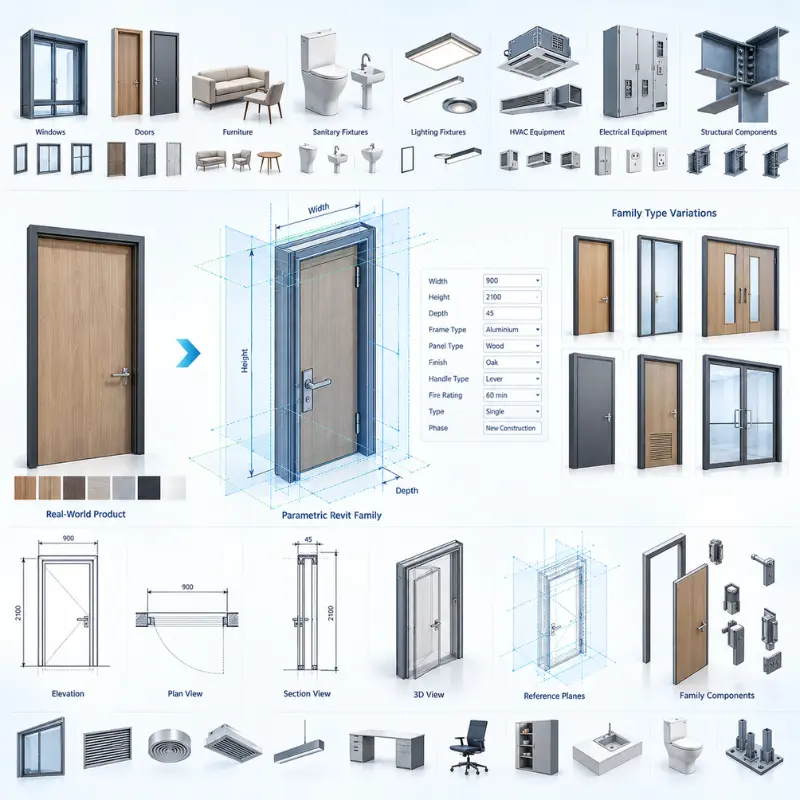
In Revit, a family is a reusable component that carries geometry, parameters, and behaviour. When you place a window in a wall, load a pump into an MEP model, or tag a structural column, you are using a family. The quality of that family determines how much you can do with it later whether it schedules properly, how it behaves across different sizes, whether it clips correctly in plan and section, and whether it holds up when the design changes.
Revit families fall into a few categories. Loadable families (the most common type) are built in separate .rfa files and loaded into projects as needed think light fixtures, doors, equipment, furniture. System families are built into Revit itself walls, floors, roofs, pipe types and configured within the project rather than loaded. In-place families are modelled directly inside a project for one-off geometry that doesn't repeat.
Most Revit Family Creation Services work sits in the loadable category, where the scope ranges from a single fixture for one project to a full library of hundreds of components for a manufacturer or a firm's BIM standard.
Our Revit Family Creation Scope
Parametric Family Creation
We build families with parameters that control geometry width, height, depth, offset, angle, radius so a single family file covers multiple sizes and configurations. Type catalogues handle large ranges cleanly, letting users select the exact specification from a list rather than managing dozens of separate files.
Custom Architectural Families
Doors, windows, curtain wall panels, railings, stairs, custom furniture, casework, cladding panels, ceiling features, decorative elements. We work from architect's sketches, CAD details, shop drawings, or reference photographs, and model to the level of detail the project requires.
Structural Families
Columns, beams, connections, base plates, anchor bolts, bespoke structural sections, precast elements. Families are built to work with Revit's structural analysis and documentation tools, with the correct category, parameters, and connector placement.
MEP Families - Mechanical, Electrical, Plumbing
HVAC equipment, air terminals, diffusers, grilles, VAV boxes, fan coil units, pumps, heat exchangers, panels, switchgear, light fittings, sockets, fire alarm devices, sprinkler heads, sanitary ware, drainage fittings. MEP families carry the connector data Revit needs for systems to calculate correctly — flow direction, connector type, size, system classification.
Manufacturer and Product Families
We create BIM content for manufacturers who want their products available as Revit families for specifiers and designers. This includes building geometry to the right LOD, adding the product parameters that matter (catalogue references, finishes, performance data), and structuring type catalogues to reflect the actual product range.
Family Modification and Optimisation
Existing families that are slow to load, behave unexpectedly in certain views, or break when a parameter changes can usually be fixed without rebuilding from scratch. We review the family structure, identify what is causing the problem, and revise the geometry, parameter relationships, or nesting to resolve it.
Family Conversion
We convert geometry from other formats - AutoCAD blocks, SketchUp models, manufacturer 3D files, STEP/IGES geometry - into proper Revit families with parameters and correct category settings.
Revit Family Library Creation
For firms building or refreshing their BIM content library, we can develop families in bulk to a consistent standard: naming conventions, shared parameters, type catalogues, thumbnail images, and file organisation to match your BIM Execution Plan.
What We Deliver
The standard deliverable is a Revit family file (.rfa), ready to load into your project. Depending on the scope, delivery includes:
- Loadable Revit families (.rfa), built in the specified Revit version
- Type catalogues (.txt) where the family covers a range of sizes or specifications
- Shared parameter files (.txt) if your firm uses a standard parameter set
- Family documentation notes - parameter list, intended use, known constraints
- Preview images for family browser identification
- Organised folder structure if a library is being built
Our Workflow
- Briefing and reference collection: We receive the manufacturer's product data, your CAD details, drawings, specifications, or whatever reference material is available. If reference material is limited, we clarify what matters exact geometry, approximate geometry, critical parameters before starting.
- Scope agreement: For larger libraries, we agree on categories, naming conventions, shared parameters, LOD, and Revit version before any modelling begins. For single families, this step is brief.
- Family template selection: Each family is started in the correct Revit template- door, window, mechanical equipment, generic model, structural framing, and so on. Using the wrong template is one of the most common causes of families that misbehave in projects.
- Geometry build: Reference planes are set up first, then geometry is constrained to them. Parameters are added and tested as geometry is built, not after. Nested families are used where components repeat or where visibility controls are needed.
- Parameter setup and type creation: Parameters are named to match your standard or the shared parameter file. Types are created to cover the required size or specification range. Type catalogues are built where the list is long.
- Testing: Each family is loaded into a test project and checked- placed in a wall or floor if it's a hosted family, tagged, scheduled, checked in plan, section, elevation, 3D, and coarse/medium/fine detail levels.
- Client review: Families are sent for your review. Revision notes come back and we update.
- Final delivery: Clean files delivered in the agreed folder structure with any documentation requested.
Level of Development (LOD) for Revit Families
Software We Use
- Autodesk Revit - all family creation, testing, and type catalogue development
- AutoCAD - reading reference DWG files and converting 2D details to 3D family geometry
- Dynamo - where batch parameter population or repetitive type creation benefits from automation across a large library
Why Clients Use This Service
Projects We Support
Why Work With Eminent BIM Services?
Get in Touch
Software Used
FAQ
Let's Deliver BIM the Right Way
Partner with our clash-free coordination and Revit modeling experts to keep your project on time, on budget, and fully coordinated.
Get Free Consultation See Our Work